


BaiBoard is an interesting free app which enables users to collaborate on a shared whiteboard as well as annotate on PDF files across the Internet on iPads and Macs
Using the app it is possible to set up a whiteboard and then have other app users connect to the same space. Anything drawn on the page from any of the users connected will be visible to all the other users.
It is possible to also set the whiteboard up in Presentation mode which means only one person can draw while the others can watch. This mode can be toggled on or off at any time. This would be more useful for teachers initially who might want to present some information first, before opening the whiteboard up to student collaboration.
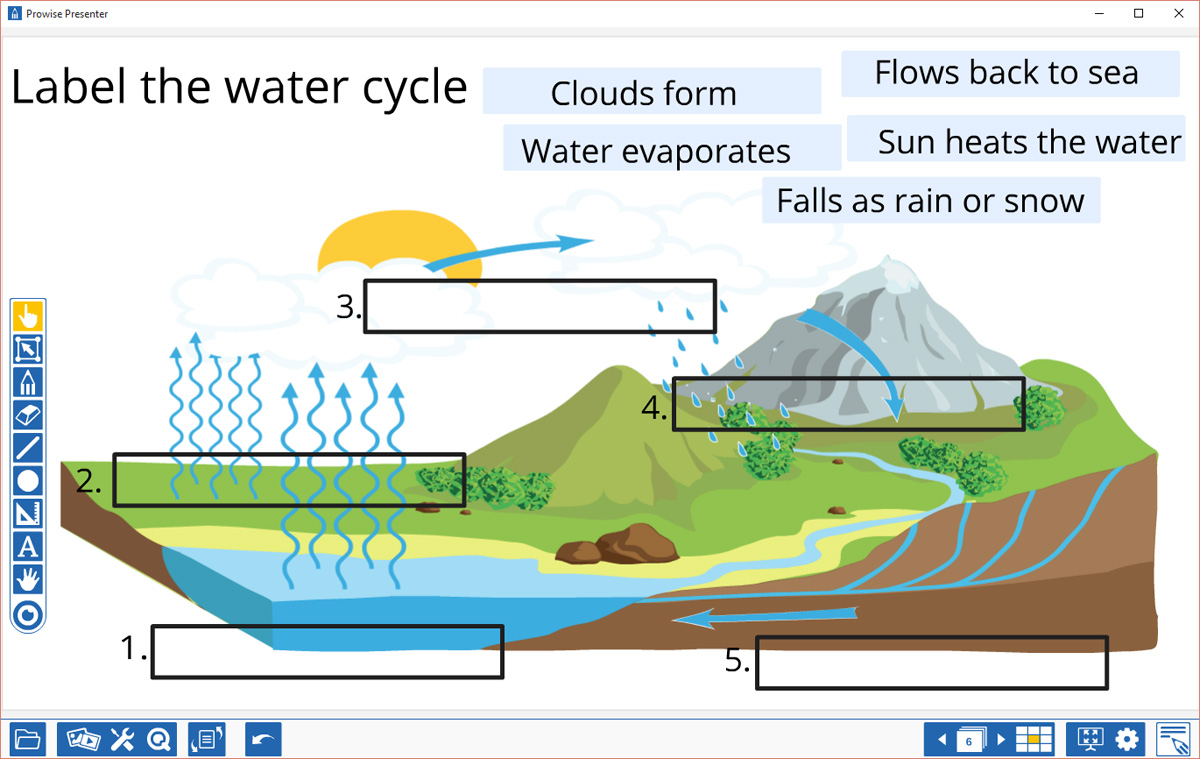
The app allows for hand-drawn annotations, plus text, shapes and images can also be added. You can have multiple pages, and flick between the pages to revisit previous content very easily from the buttons on either side of the screen.
Whiteboards can be exported to other applications such as Showbie or iBooks or sent to Dropbox or Evernote for achiving. Past whiteboards will also be saved onto the iPad.

BaiBoard client is currently available on iPad and Mac. Android version will be available soon. I managed to access a presentation on my PC through a browser but I was only able to view, and the whiteboard didn’t fit on the screen properly, you had to scroll around to view it all. At present this means you couldn’t use this on a PC connected to an Interactive Whiteboard just yet. Maybe a PC version is in the pipeline. I do hope so.
I tried this at home with several devices connected across a network, and it worked very smoothly. Some school networks may have issues, so do test this out in your school first before you try and use it with a class.
It’s an interesting app, and another demonstration of how you can start to blend a teacher presentation with collaborative input from a class.
It’s definitely worth a look if you’re using iPads in the classroom. You can find out more at : www.baiboard.com




Great write-up on BaiBoard.
I’m planning to use BaiBoard this fall. It’s the most versatile collaborative app I’ve found. Do you know how many users are supported for synchronous collaboration.
Apparently up to 40 users. Let me know if you can get that many on!