

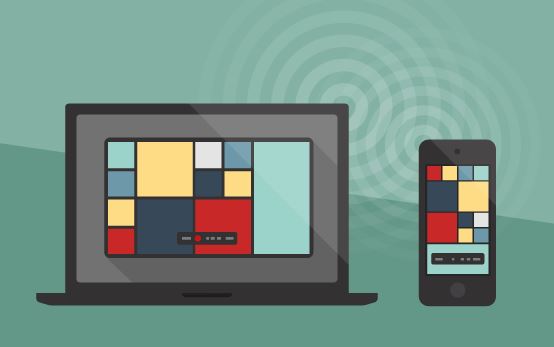
AirServer have just released version 2 of their iPad-mirroring app for Windows and Macs. The new version now lets you record your iPad screen to play back later.
With AirServer you can wirelessly beam your iPad display to your Mac or PC and from there to your projector, interactive whiteboard or HDTV. This gives you the freedom to move around the class with your iPad in hand. AirServer also supports multiple simultaneous connections, so one or more students could mirror their iPads to share their ideas and their work with the rest of the class.
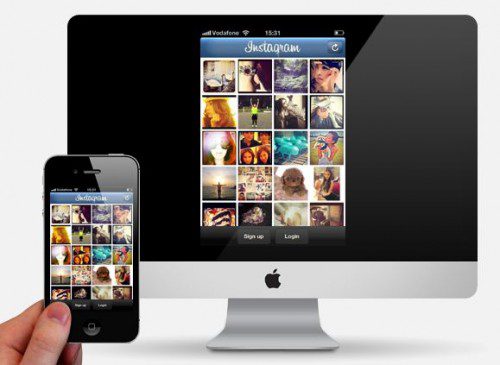
Features of AirServer include:
- Beam your iPad or iPhone screen to HDMI or VGA projector, smartboard or HDTV via a Mac or PC
- True full screen display
- Ability to record
- Picture enhancement settings
- Secure password protection
- Collaborate with students using simultaneous connections
AirServer is compatible with a wide variety of AirPlay enabled third party applications, such as YouTube, Vevo, and Air Media Center. AirServer is the first Mac/iOS application that lets you stream audio directly to your computer/iOS device from iTunes or another iOS device play movies, music on big screen, share photos with friends and family.
AirServer is free on a 7 day trial and you can buy a single machine “personal” licence for $14.99 with educational licences coming in slightly cheaper. You can download Air Server here


