


Enlight Pixaloop is a neat iOS app that lets you bring photographs to life by adding animation effects. You can add add moving skies, animate water and add weather effects such as rain or snow.
For example children could photograph the covers of their favourite books and bring them to life. Like this:
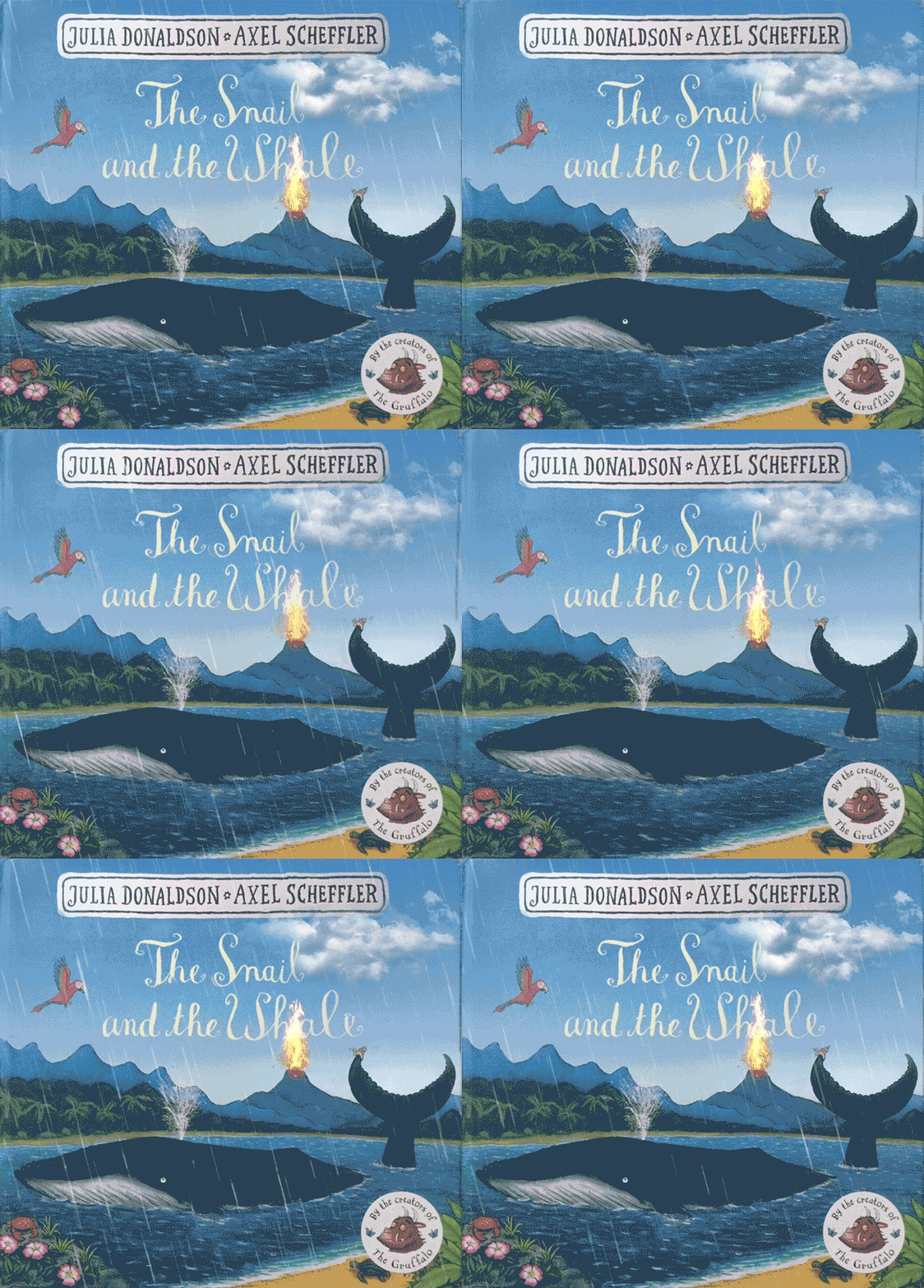
The app is free for basic use with some tools only available if you upgrade to the pro version.
To use the Pixaloop app, first import a picture then use the various tools to add effects. The Sky tool enhances the sky with different moving cloud effects. The Overlay tool allows you to add weather effects such as snow or rain.
Other animated elements can be added such as flickering flames. You’re limited in how many of these you can add in the free version.

The Animate section allows you to add simple animations to parts of the picture.
Click on the Path tool to draw arrows on the screen, the image will be made to move along these paths. This works really well with any water in the image.

This will actually animate everything – so you’ll also need to use the Freeze tool to highlight areas of the image in orange that you don’t want to move. Slap this highlight over all the parts of the image that are going to remain static.

You can preview at any time by clicking the Play triangle on the right of the screen. Once finished the animations can be exported as movie files to the camera roll.
It’s a neat little tool that could have some fun uses in the classroom.
You can find out more at the Pixaloop website.


