


Pinterest lets you organize and share all the beautiful things you find on the web. People use pinboards to plan their weddings, decorate their homes, and organize their favorite recipes. I’ve been having a play with Pinterest this afternoon after stumbling upon it.
As well as create your own pinboards, you can also browse pinboards created by other people. Browsing pinboards is a fun way to discover new things and get inspiration from people who share your interests. You can search on topics such as Science, or Design and see what other people are pinning.
Although the site does not allow nudity or hateful content, you might find some of the language in a few of the posters could be a little adult, so I wouldn’t recommened displaying the raw Pinboard stream on a screen in front of a class….

Teachers could create pinboards of websites and ideas – either as a personal collection of things to use in their lessons, or they could create banks of things for pupils to use. At the moment I don’t think this would be something for the students to create.
For example, here’s a board I’m starting to create of practical science ideas: http://pinterest.com/dannynic/science-ideas
Pinterest gives you a button for your browser toolbar. Just click the button when you see something you like to add it to your Pinboard. You can add blogposts, websites, photographs and videos to your pinboards. When you pin a blogpost you can choose which image represents it on your board. You can also get a Pinterest app for the iPhone.
To get started, with Pinterest you need to request an invite. I did, and got a signup link pretty quickly. I like what I’ve seen so far, and I think it could be a useful way of building up banks of interesting ideas.
Go take a look : http://pinterest.com/ and let me know what you think in the comments

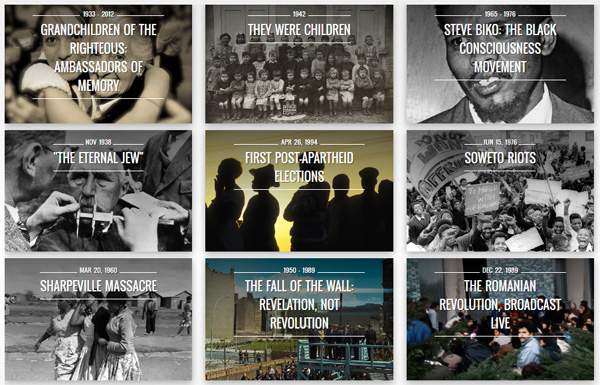


I really like interest – as a new tech integrator I think it’s a manageable and visual way of sharing useful links – just starting out but here’s what I’ve got so far…: http://pinterest.com/pottsology