

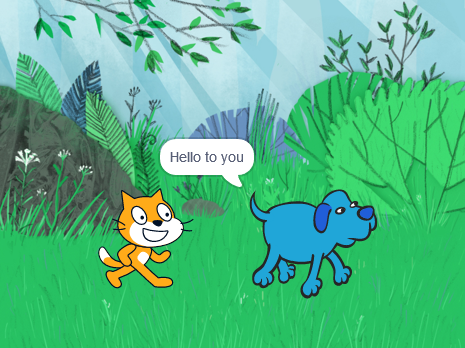
During my computing CPD sessions I have been asked quite a few times by teachers and students about how to go about creating a dialogue between two characters in Scratch.
It’s not as completely straightforward as I first thought it would be, so I thought I’d create a quick guide to go through it.
There are a couple of different ways to make several characters in Scratch have a conversation. One uses a broadcast block, and one uses variables to trigger each line of the conversation. I’ll cover both methods here and you can see which you prefer.
First, plan out the dialogue you want to have.
Give each line of dialogue a number. For example, a 5 step conversation between a cat and a dog might look like this:

Then, open Scratch click on the add sprite btton and add a dog sprite to the stage:

Using the Broadcast method.
The broadcast method is not always the most efficient way to make sprites communicate many messages, but short conversations can be easily made using broadcasts. After each sprite talks, it broadcasts a message that lets the other sprite know that it is it’s turn to speak. View this project on Scratch here.
Put this code in the cat sprite (Click on the cat to add code to it).

Put this code in the dog sprite (click on the dog to add code to it)

Using the Variable Method
The variable method uses a variable to trigger the other sprite to talk. After a sprite finishes speaking, it changes a variable by “1”, in which the other sprite recognizes and then begins speaking. View this on Scratch here.
Click on Variables, and “Make a Variable”

Select “For all sprites”. Call this variable “Talker”
Set up the following code in the Cat.

Set up the following code in the dog.

If you want it, you can download this guide as a worksheet.
This might be a good activity in English, or in MFL, to script a conversation between two characters and then act it out in Scratch. They might write an imaginary conversation with a famous scientist explaining their discoveries.
Hope this helps!




This is such an informative post and would help kids to take their coding skills to another level. Thanks for sharing and explaining it so well. It’s very helpful!