


AirServer turns your Windows PC into a universal mirroring receiver, allowing you to mirror iPads and other devices using AirPlay and Miracast simultaneously to the same screen. I’ve written about it before, and it’s a very good way of getting your iPad onto your whiteboard for a lot less than buying an Apple TV.
It is now possible to mirror an iPhone, iPad, Surface, Windows Phone or Android devices that support AirPlay mirroring or Miracast. You can even record video.
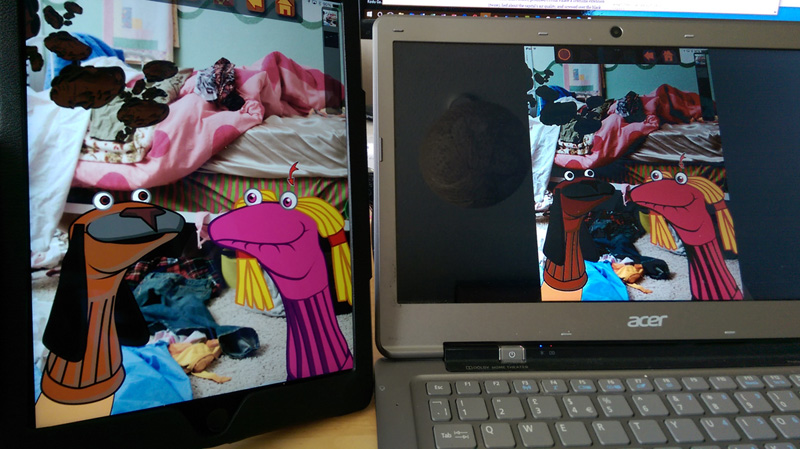
AirPlay requires that the client devices and AirServer to be on the same network for operation. Miracast does not require network connectivity but is recommended. To help connect your iPad to your computer you can use the Airserver Connect app on the iPad to scan a QR code displayed on the computer.
AirServer also supports multiple simultaneous connections, so one or more students could mirror their iPads to share their ideas and their work with the rest of the class.
AirServer is free on a 7 day trial and you can buy a single machine “personal” licence for $8.99 with educational licences coming in slightly cheaper. You can download Air Server here
See this post for other ways to link your iPad to your IWB and also take a look at these 8 apps to turn your iPad into an Interactive Whiteboard.


